Install in LiquidBounce
Run this command in-game to subscribe and receive updates automatically.
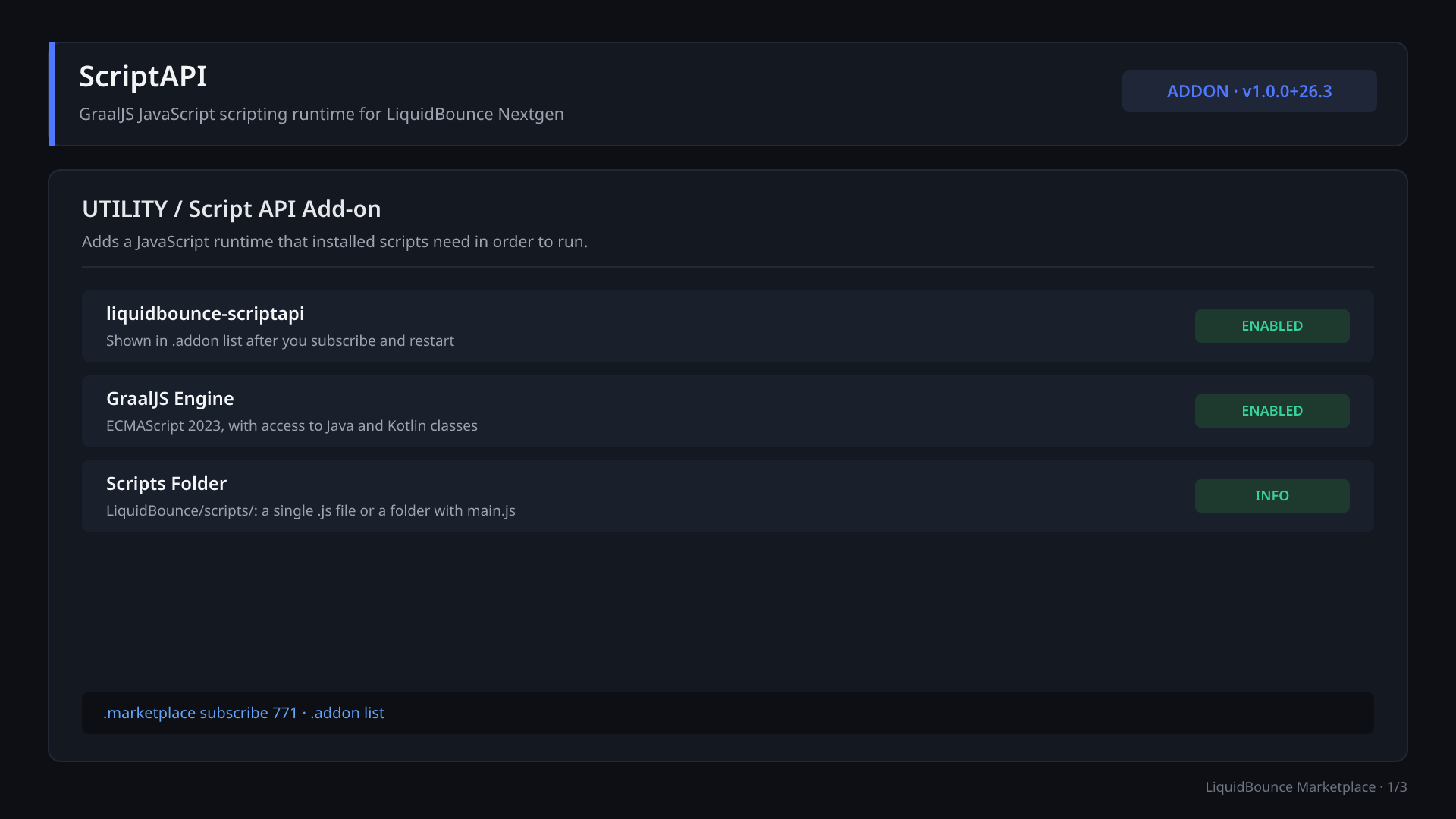
.marketplace subscribe 771Screenshots
3 screenshots
About
ScriptAPI
ScriptAPI adds JavaScript scripting support to LiquidBounce Nextgen as a separate add-on. It runs on GraalJS, an ECMAScript 2023 implementation for GraalVM. Through GraalVM's polyglot support, scripts can access the client's Java and Kotlin classes directly. Scripts depend on this add-on: if it is not installed, scripts will not load and the .script command does not exist.
Note: This revision's archive contained no files that could be inspected. This README is based only on the item metadata (the item description and the v1.0.0+26.3 changelog). The commands and behavior below have not been checked against the code.
Installation
- Run
.marketplace subscribe 771in game. - Restart the game.
- Run
.addon listand check thatliquidbounce-scriptapiis listed.
Place scripts in .minecraft/LiquidBounce/scripts/. Each script is either:
- a single
.jsfile, or - a directory with a
main.jsentrypoint.
According to the changelog, scripts you subscribe to on the Marketplace also run through this add-on.
Commands
| Command | Description |
|---|---|
.script list | Lists all installed scripts |
.script browse | Opens the scripts folder |
.script load <name> | Loads one script |
.script unload <name> | Unloads one script |
.script reload | Reloads all scripts, including newly added ones |
.script edit <name> | Opens a script in your default editor |
.script debug <name> [protocol] [suspendOnStart] [inspectInternals] [port] | Runs a script with a debugger attached |
Debugging
INSPECT(default): Chrome DevTools protocol on port 4242.DAP: Debug Adapter Protocol on port 4711.
The optional arguments let you pause the script on start (suspendOnStart), include internal frames (inspectInternals) and pick a different port.
Modules, settings and HUD
ScriptAPI adds no combat, movement or render modules of its own, and no HUD elements. It provides the runtime and the .script command. The modules and commands you see in game come from the scripts you load.
Documentation and source
- Script API documentation: https://liquidbounce.net/docs/script-api/installation
- Source code: https://github.com/CCBlueX/LiquidBounce-Addon-ScriptAPI
Version
- Add-on version: v1.0.0+26.3
- Minecraft: 26.3
- Branch: nextgen
Versions
1 release, newest first.
File details & build provenance
- Name
- addon.zip
- SHA-256
- f2ad6ddfdb6428718439a8f81b4fddedb3d62d610dff4842d9ff6cbfd2f9376d
Contributors
2 contributors
Dependencies
Resources ScriptAPI needs to work.
Details
- Type
- Add-on
- Latest
- v1.0.0+26.3
- Compatibility
- LiquidBounce v0.41.0
- Downloads
- 988
- Versions
- 1 uploaded
- Created
- Sep 17, 2026
- Updated
- Oct 1, 2026