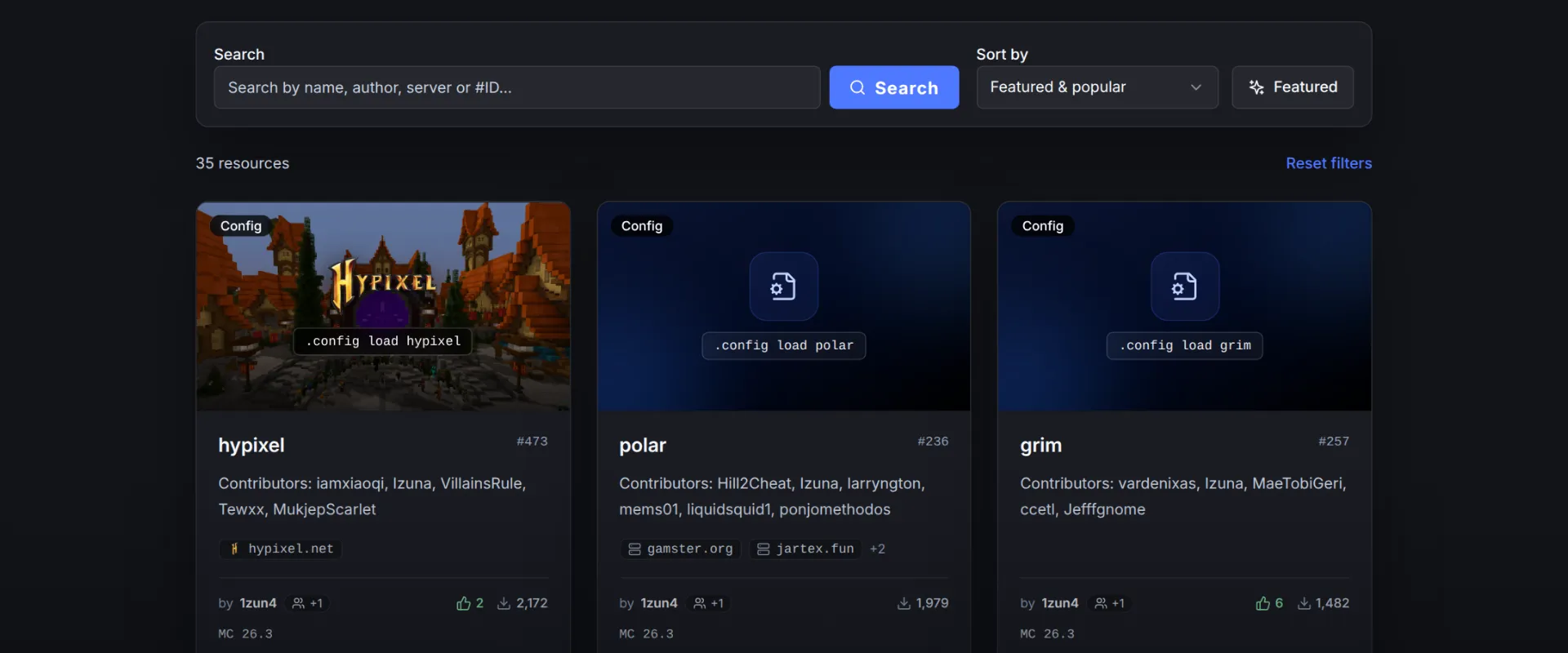
Anyone with a LiquidBounce account can publish configs on the marketplace, and we'd love to see more people do it.
Why we need you
Featured configs are the ones AutoConfig loads by default. Most of them came from our old GitHub repository, and some haven't been tuned in a while. CubeCraft, FunTime, MLegacy, MineBlaze and Hoplite are from early 2026 or older. We can't test every server ourselves, so configs from people who actually play there help a lot.
How it works
Log in once with .client account login, join the server, set up your modules and test them. Then:
| You want to | Run |
|---|---|
| Publish your settings | .config publish new and a name |
| Publish a fixed copy of someone else's config | .config publish fork and a name |
| Update your config or fork | .config edit update and a short note |
| Find configs | .config list or .config search |
The config remembers the server you were on. Other players get it through AutoConfig once they turn off OnlyFeatured, and configs that players report as working rank higher. A fork links back to the original, and every update is a new version, so players always load the latest one.
Every command is in the config guide. Questions? Ask on our Discord.