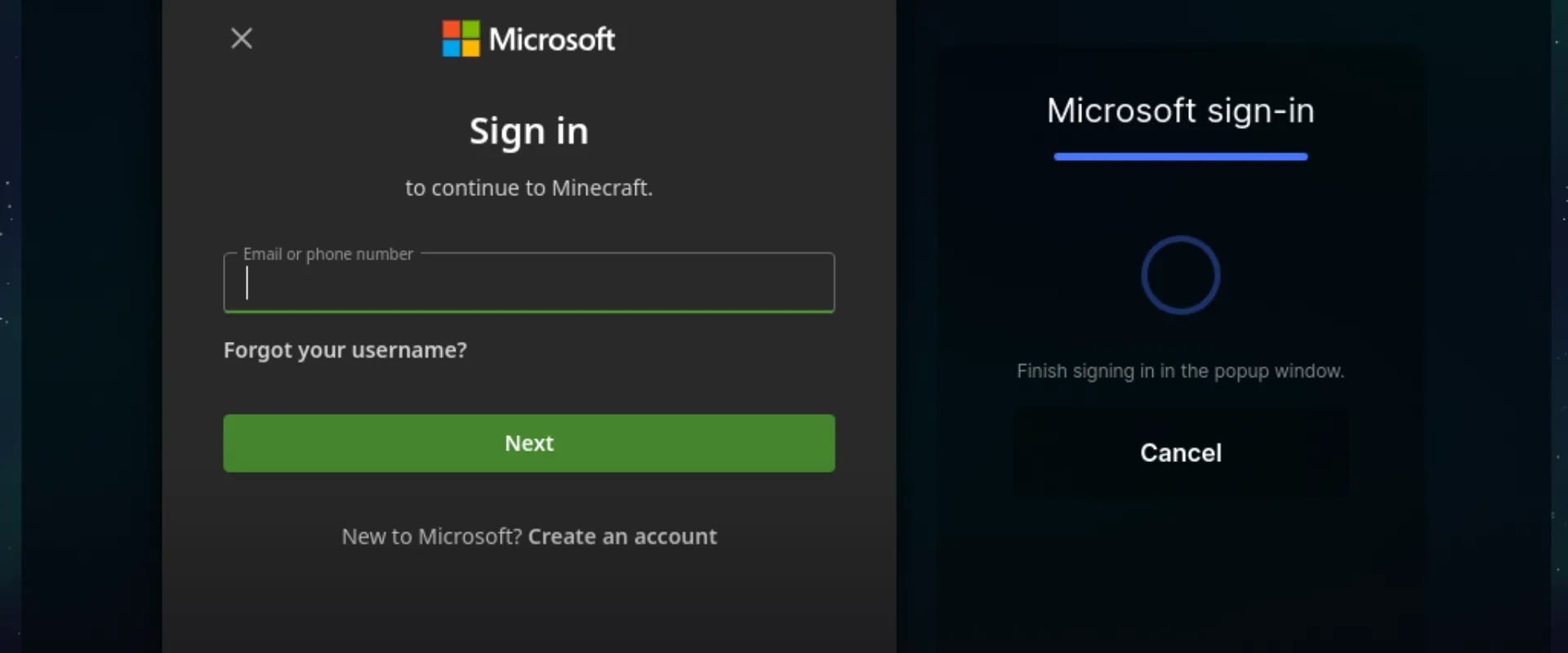
Since yesterday evening, LiquidBounce and LiquidLauncher couldn't sign in with Microsoft, and every attempt failed with "Invalid app registration". Mojang removed us from the allow list of apps that may talk to the Minecraft API.
What you need to do
| What | Do this |
|---|---|
| LiquidLauncher | Update to v0.6.0. The old one can't sign in at all. If it doesn't offer the update, install it from the download page |
| LiquidBounce | Update to v0.40.0 for Minecraft 26.2 |
| Microsoft account | Add it again in the launcher and in the client. Old sessions can't be carried over |
| Cookie alts | Use Device Code, the browser login is gone |
What happened
Every launcher signs you into Minecraft through an app registered with Microsoft, and Mojang keeps an allow list of them. Ours was on it for years and got removed without warning, even though their policy says that "existing applications, such as launchers and websites, will continue to have access without interruption".
We contacted Mojang, but it doesn't matter anymore what they answer. Both projects switched to minecraft-auth-rs and minecraft-auth-java, based on RaphiMC/MinecraftAuth. They sign in the same way the official Minecraft launcher does, which can't be blocked without blocking the official launcher too (#461, #9081).
| Where | How you sign in now |
|---|---|
| LiquidLauncher | A real Microsoft login window instead of only a device code |
| LiquidBounce | Web View, Device Code or Credentials |
We still think this was the wrong call. With the old browser login, the launcher never came near the form you typed your password into. Now you have to trust that we don't read from the window we open for you, and that's a bigger ask, even with our source code being open.