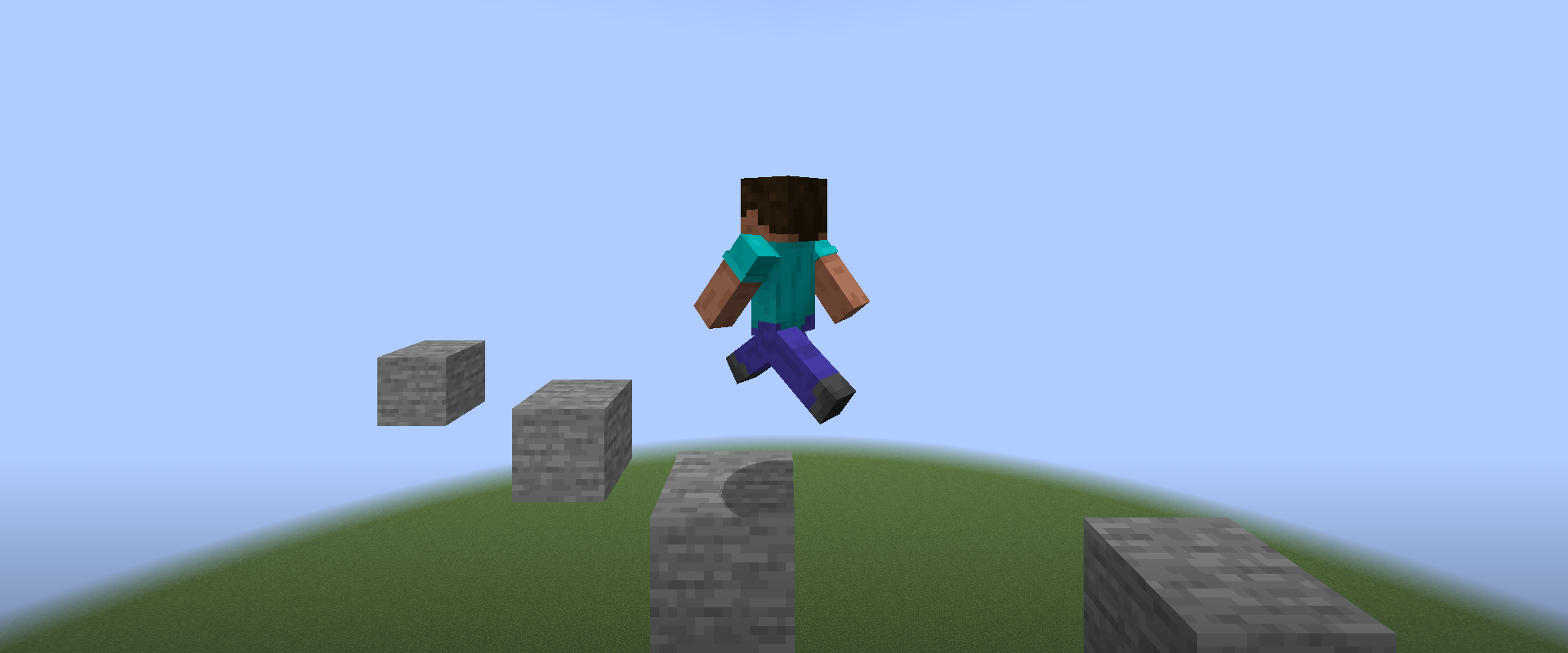
Every change to LiquidBounce now starts the real game, plays on our test server with Grim watching and fails when a feature breaks or gets flagged. We merge a pull request once all of that passes.
Why we test this way
LiquidBounce hooks deep into Minecraft. After an update to a new version, code that still compiles can crash on startup, or a module can stop working without anyone noticing. Until now we mostly found out from bug reports.
More and more pull requests are also written with AI tools. That is fine with us, but such code often reads well, compiles and still breaks something nobody tried in game. So we check every change in the game itself.
What runs on every pull request
- verify-pr builds the client and runs more than a hundred unit test classes and the code checks.
- gametest (local) starts the game with the client and drives it like a player would: commands, configs, the marketplace, the ESP shaders. The player simulation many modules rely on is compared with vanilla movement tick for tick, so a Minecraft update that changes the physics shows up right away. A mixin that no longer fits fails here before anyone downloads the build.
- gametest (vanilla) and gametest (grim) play on test.ccbluex.net. Every test joins as a bot of its own, gets its own world and fails when the server or the anticheat objects to anything: a flag, a setback, a corrected movement or a kick.
The jobs run side by side and take about five minutes, around a quarter of an hour when a pull request touches navigation and those tests run too. GitHub keeps our token away from pull requests that come from forks, so these get every check but the server tests. Their server tests run as soon as the change lands on nextgen.
Grim is the minimum
For movement we set a floor: these features have to get through Grim without a single flag. That covers the Legit mode of Sprint, walking and parkour with .goto, sneaking along narrow bridges, swimming, riding boats and horses, flying with an elytra and rockets, and AutoWindCharge. A pull request that makes any of them flag fails. The teleport engine moves further per packet than any player could, which no anticheat lets through, so it is tested against Paper's own checks instead.
The first runs on Grim found real bugs. Parkour told the server the player was sprinting while the game had stopped, which Grim flagged as Simulation and SprintE, and with Assist off it no longer jumped at the edge. Elytra navigation fired its rockets before the rotation update. All three were fixed the same day.
Test your own client
The server and the harness are open to everyone. With CCBlueX Gametest you can run Fabric's automated tests on a real server. Every test gets its own world with any seed you want. In this world the test can run commands like summon or fill, and it gets a report when the server or the anticheat flags something: FLAG, SETBACK, FAILMOVE and KICK. The protocol is documented, so you can test almost everything.
Our public server test.ccbluex.net works from CI runners too. You need the API token from your account page. When the bot logs in, the harness uses this token to get a one-time ticket from our API, and with this ticket the bot joins the game test server.
GAMETEST_SERVER_ANTICHEAT picks the anticheat for a run: vanilla (only Paper's own movement checks), grim (the default), intave, vulcan, matrix, spartan, mx (only aim in fights), anticheataddition or fairplay (both without movement checks).
If you write your tests with a coding agent, add the gametest skill and it learns how to write tests with the harness. To host your own game test server, use the Dockerfile. It downloads Grim and Intave; the paid anticheats are only on our public server. Please use the public server fairly.
Add-ons for LiquidBounce get the same base class we use. The testing guide shows the setup.
Sending a pull request
The checks run on it, and you see the results right in the pull request. If you add a feature, add a game test for it too, and it keeps working through the next Minecraft update. Questions about writing tests? Ask us on Discord.