Here is a short update on how the biggest LiquidBounce update so far is coming along. It is really a whole new version, built from scratch to support every Minecraft version from 1.8.9 to 1.16.5. We will probably write more posts like this one about the most important changes as we go.
New modules are being written and old ones ported quickly, and the client is almost at the point where you could call it usable. For now, though, I want to talk about GUIs.
If you follow LiquidBounce on GitHub, you probably know that every user interface in the upcoming version is written in HTML, CSS and JavaScript, the same languages used for web pages like this one. That gives us a lot more freedom, and we can build designs that were close to impossible before. It also means you will be able to change the look of the whole client, not just the HUD, with themes made by the community or by yourself.
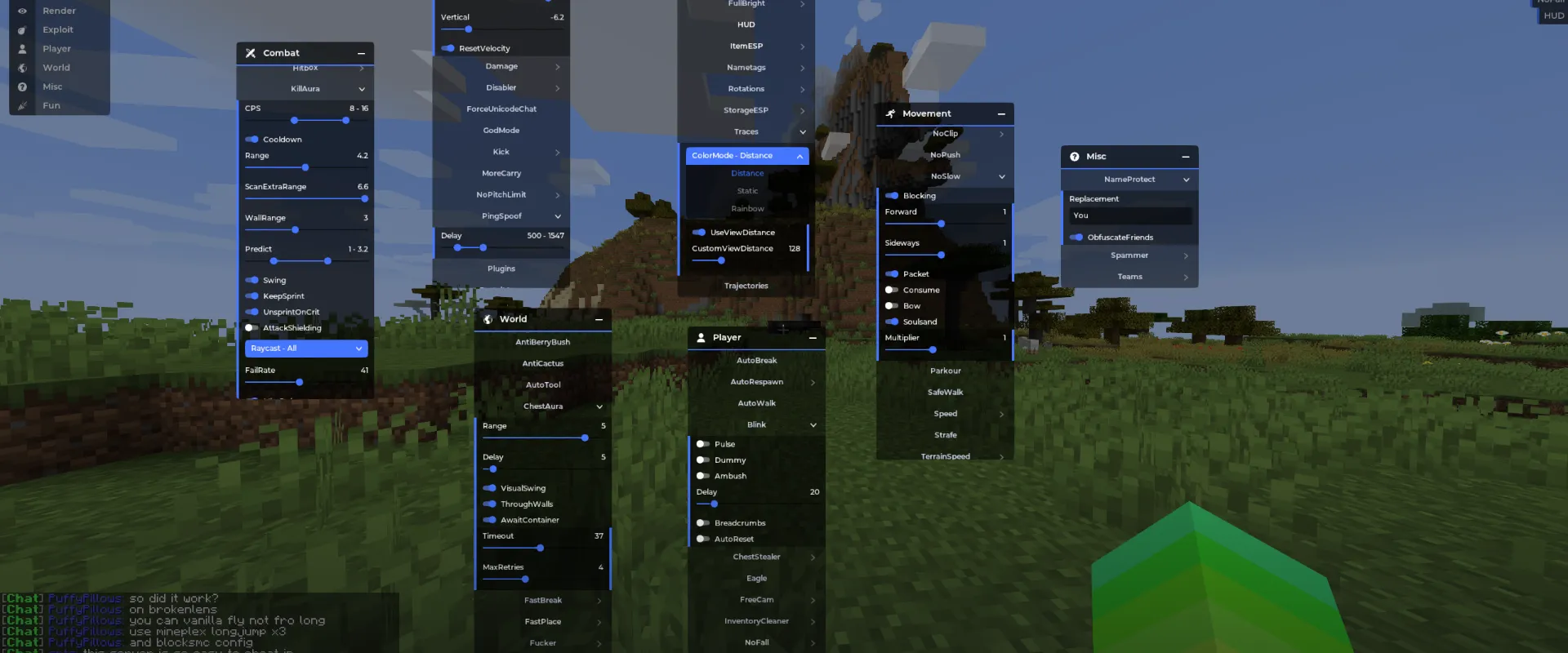
You saw the main menu in the screenshot above, and the new ClickGUI is coming together too. In LiquidBounce next-gen you can change every setting right from the ClickGUI. Settings are grouped by what they do and only show up when they matter. So goodbye to those endless, confusing lists of settings that only do something when a certain mode is selected. We won't miss them.
Like LiquidBounce itself, all the user interfaces are open source, in a separate repository on our GitHub. Keep in mind that we are still working on them and not every design is done. If you want to try LiquidBounce next-gen anyway, the downloads page always has links to the latest build.