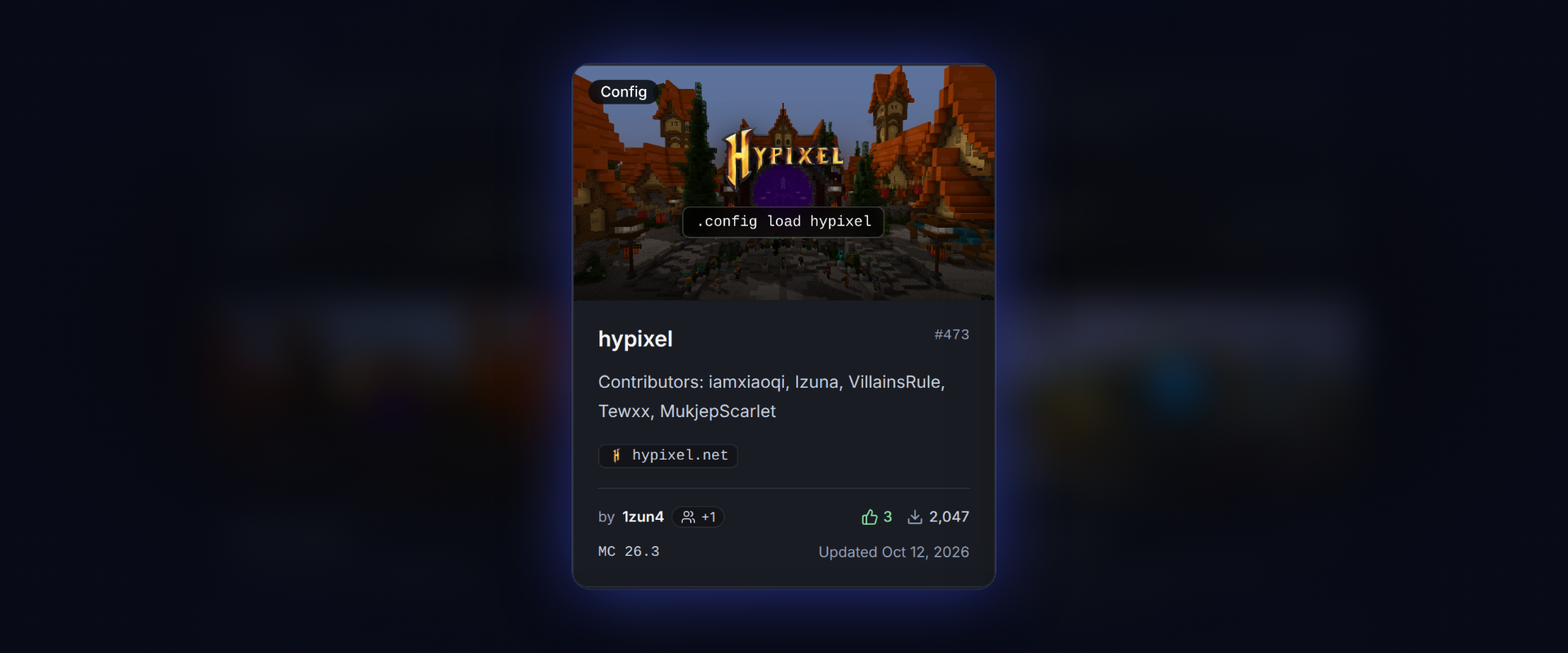
Configs are saved module settings, usually made for one server. Anyone with a LiquidBounce account can publish one on the marketplace, and we would love to see more people make configs.
Where configs come from
Featured configs are the ones AutoConfig loads by default when you join a server. Most of them came from our old GitHub repository, where players sent their changes as pull requests.
Some of them have not been tuned in a while. The settings for CubeCraft, FunTime, MLegacy, MineBlaze and Hoplite date back to early 2026 or older, and later updates only bumped the Minecraft version. Anticheats change, and we cannot test every server ourselves, so configs from people who play there make a real difference.
Publishing a config
- Log in once with .client account login
- Join the server
- Set up your modules and test them
- Run .config publish new followed by a name
The config remembers the server you were on. Other players find it with .config list or .config search, and AutoConfig loads it for them once they turn off OnlyFeatured. Configs that players report as working rank higher.
Starting from an existing config
If a featured config no longer works for you, load it, fix what is broken and run .config publish fork followed by a name. The fork is your own copy and links back to the original.
Keeping it up to date
When the server changes something, load your config, adjust it and run .config edit update followed by a short note on what changed. Each run publishes a new version, so players who load your config always get the latest one. This works for forks too.
Credit
The configs that came over from GitHub now list everyone who made or improved them, going back to 2020.
The config guide explains every command. Questions? Ask on our Discord.