LiquidBounce is more than a client for us. After years of working on it, it has also become our playground: a place where we can try out technology we usually would not use. This post is about one of those experiments. You do not need to change anything, and nothing gets worse for you. We just had fun with it and want to share what we found.
What we tried
The title screen, the ClickGUI and the HUD are built like small websites. To show them inside Minecraft, LiquidBounce runs a browser in the background. Until now, that was always Chromium, the engine behind Google Chrome.
With the new add-on system (#9122), which is in the latest nightly build and comes with the next update, add-ons can even bring their own browser. We wanted to see what happens when Chromium is swapped for something else, so we built two add-ons.
- Chromium comes with LiquidBounce and stays the default. It is also the biggest, at about 360 MB.
- Wry uses the browser that is already part of your system, like WebView2 on Windows. The add-on is less than 3 MB.
- Ultralight is a small browser made for games. It runs inside the game itself and takes about 90 MB.
How we tested
We used two PCs. The first runs Windows 11 and is several years old: an AMD Ryzen 5 1400 with an AMD Radeon RX 570. The second runs Linux and is a lot faster: an AMD Ryzen 9 5900X with an Intel Arc B580. On both, the game ran at 1920x1080 on a 60 Hz screen. We started every browser five times and show the middle result, so one unlucky run does not change the numbers.
FPS is how many pictures the game draws per second. CPU is counted in cores: 1.0 means one processor core is busy all the time.
Everyday use
On the Windows PC:
| No browser | Chromium | Wry | Ultralight | |
|---|---|---|---|---|
| FPS in a world with only the HUD | 537 | 533 | 514 | 498 |
| CPU with the ClickGUI open, in cores | – | 0.11 | 0.14 | 0.12 |
| Extra memory | – | 260 MB | 220 MB | 180 MB |
| Programs running | 1 | 8 | 9 | 1 |
In the menus, all three stay at a smooth 60 FPS.
On the Linux PC:
| No browser | Chromium | Wry | Ultralight | |
|---|---|---|---|---|
| FPS in a world with only the HUD | 1,959 | 1,817 | 1,793 | 1,762 |
| CPU with the ClickGUI open, in cores | – | 0.13 | 0.13 | 0.14 |
| Extra memory | – | 480 MB | 361 MB | 226 MB |
| Programs running | 1 | 12 | 5 | 1 |
A harder test
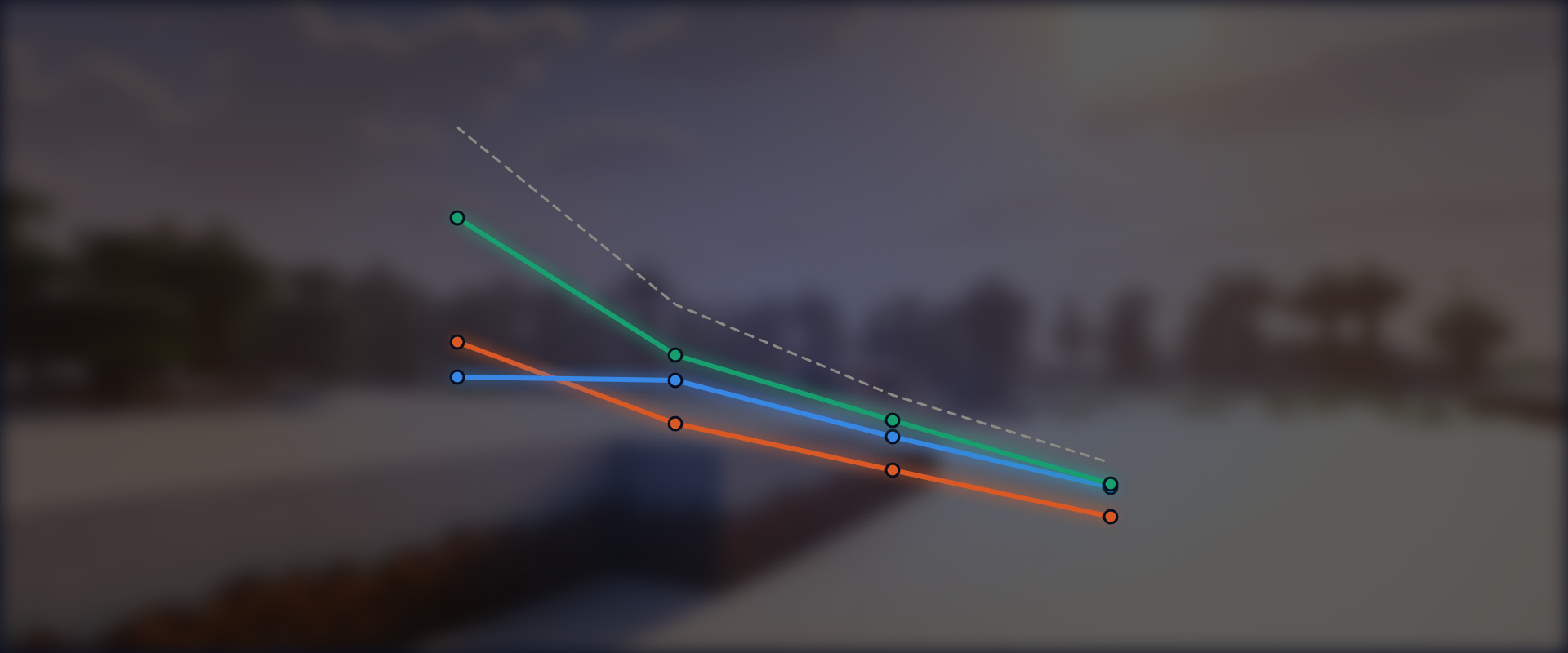
Menus rarely move much. So we built a page full of moving shapes and drew it over the world, at sizes from 720p up to 4K. This is where the differences finally show (median of 3 runs each).
Ultralight draws inside the game, so when a page keeps it busy, the game has to wait for it.
Should you switch?
No need. Chromium stays the default and runs well everywhere. If you are curious, you can try the others:
- Wry is the smallest download and gave the most FPS in our hardest test.
- Ultralight needs the least memory and no extra programs, but busy pages can slow the game down on older PCs.
To try one, install it from the marketplace (.marketplace subscribe Wry) and restart the game. LiquidBounce then asks which browser you want. To choose again later, hold Shift while the game starts.
Experiments like this are a big part of why we still enjoy working on LiquidBounce after all these years. If you try one of the browsers, tell us how it runs on your PC on our Discord or on GitHub.